


Google is testing a new AI feature in Chrome that allows users to interact with webpages without selecting text or images. The update is currently available in Chrome Canary, Google’s experimental browser build.
With the new feature, users can right-click anywhere on a webpage and select “Search with Google Lens.” A small floating bar then appears at the top of the page, showing an “Ask about this page” prompt along with a preview of the current content. This removes the need to highlight specific text or images before asking questions.
The floating bar is designed to be lightweight and non-intrusive. It slides away when users click elsewhere but keeps the page context active in the background. This allows users to ask AI-powered questions without leaving the page or breaking their reading flow.
Unlike the older Lens interface, which required manual selection, the new Chrome update automatically captures the entire visible webpage. This makes it easier for users to request summaries, clarifications, or broader information without deciding what part of the page to focus on.
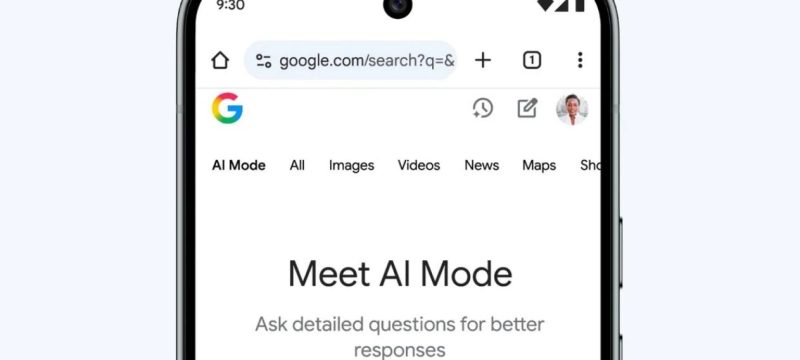
When interacting with the Lens overlay, Chrome opens AI Mode in the side panel. This interface includes multiple tabs, such as AI Mode, All, Exact Matches, Products, and Visual Matches. The setup combines AI-generated responses with traditional search results, giving users a unified browsing experience.
The update reduces friction in using AI tools. Previously, users had to carefully select text before asking questions. The new Chrome workflow assumes the whole page is relevant and allows refinement later. This could encourage more spontaneous use of AI during everyday browsing.
The feature is still experimental, and its wider release date is unclear. Chrome users currently need Canary to test it. Observers say that the availability of clear controls and a disable option will determine whether this feature becomes a permanent part of Chrome or remains a short-lived experiment.
In other news read more about: Google Flow AI Video Generator Now Available for Business and Education
Google’s push to integrate AI into Chrome reflects a broader trend of making search and content interaction more seamless, intuitive, and integrated into daily browsing habits.